Replacing Loggers
Occasionally, you may wish to replace the logger currently attached to one of your locations with a different one. This will be required, for example, if the logger usually attached to the location needs to be sent for calibration and you wish to continue monitoring, or if the logger has reached the end of its life.
Before you can replace a logger, first, you will need to register the replacement (you can omit this step if the new logger you wish to use is already registered in your team). After the registration is completed, configure the logger with LogTag® Analyzer using the same settings as the logger you wish to replace and deploy it in the physical location.
Finally, to replace the logger in the location, click Locations ( ). Click EDIT for the location that contains the logger you wish to replace.
Click to show a window with the location's details:
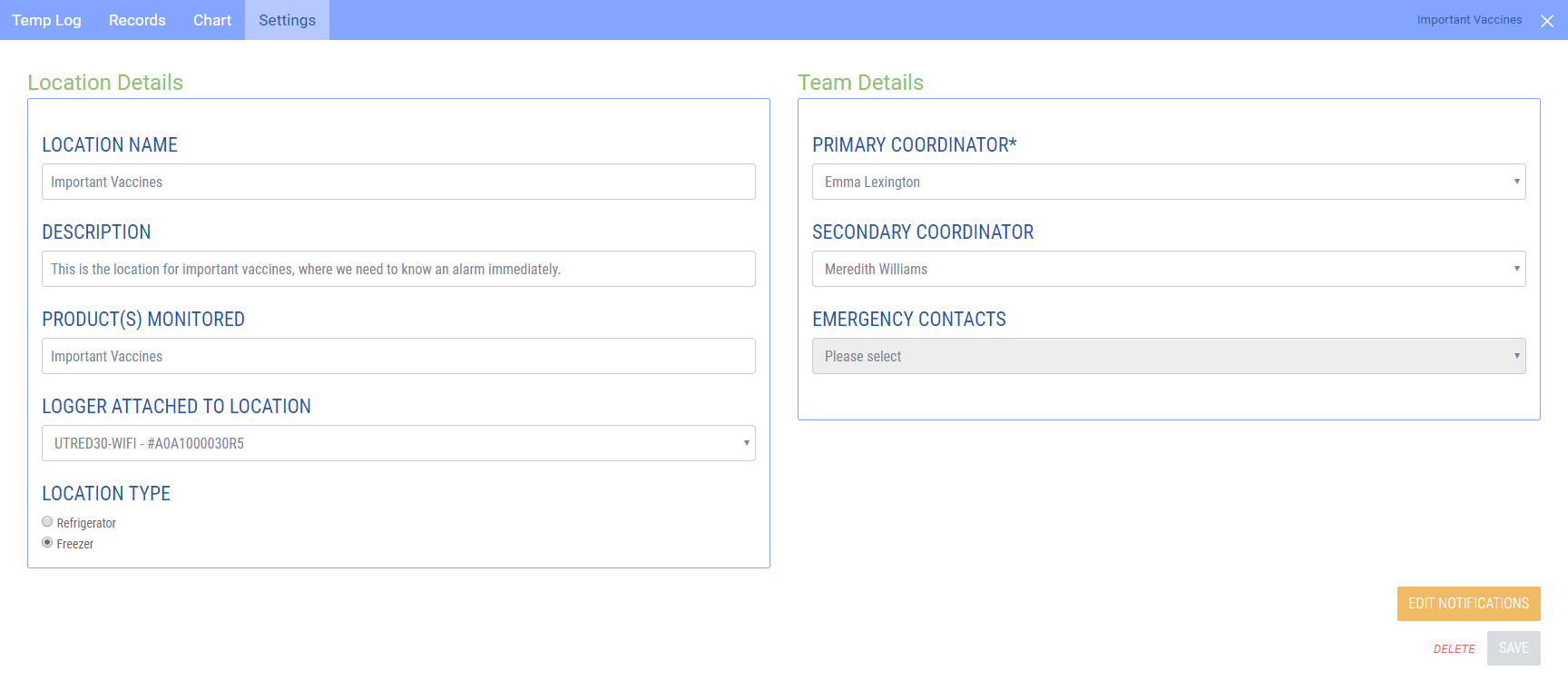
LOGGER ATTACHED TO LOCATION shows the logger that is currently associated with this location. Click the entry and select the new logger you wish to use from the list of loggers.
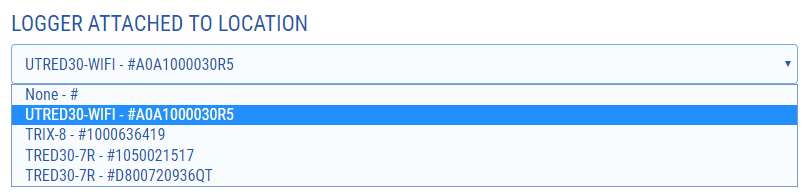
Once you have selected the new logger, click SAVE to close the window. From now on, the new logger will report its temperature data to this location.
- Register the new logger. If the new logger is already registered and attached to a location, remove it from that location.
- configure the new logger with the same parameters (alarms, logging interval) as the one you are replacing. Add at least a 30 minute start delay or configure the logger for a date/time start about 30 minutes from now. This will allow the logger to acclimatise to the monitored location without triggering an instant alarm.
- place the logger in the physical place where it will monitor the goods, together with the one you are replacing. Do not remove the old logger yet.
- start the logger (if you have not configured a time start)
- wait at least 1 hour after the logger has taken its first reading (which is about 90 minutes after you have configured it), then change the entry in Logger Attached to this Location to the new logger. This will make sure that the old logger transmits at least once while the new logger is already recording data.
- You can now remove the old logger.
The new logger will now send the data to the location. The graph will look as if recorded by the same logger.